ADA Fail

WCAG 2.2 Compliance

Is your website
accessible to
everyone?

Over 1 in 4 U.S. adults live with a disability. ADA compliance isn't just the right thing to do — it's increasingly a legal requirement for digital experiences.

Why It Matters

The landscape is shifting fast

ADA digital accessibility enforcement is accelerating, with new federal deadlines and a growing wave of litigation across every industry.

8,667

ADA lawsuits filed in 2025

One of the highest years on record

$30K+

Average settlement cost

Not including attorney fees

94.8%

Of websites fail WCAG

WebAIM Million report, 2025

Every

Industry is impacted

E-commerce, healthcare, finance, education & more

The Overlay Myth

That accessibility overlay? It's not compliance.

To be precise about what we mean: an overlay is a third-party script sold on the promise that it makes a broken site compliant without fixing the code. That promise is the problem. Major disability advocacy organizations have raised serious concerns — the National Federation of the Blind formally opposes overlay products, describing them as “not only ineffective but harmful.”

An accessibility preference widget is a different thing entirely: user-facing display settings — text size, contrast, motion — on a site that's already accessible at the code level, making no compliance claims. We run one on this site, and our monitoring plan includes it. The overlay's sin is the claim, not the button. Read the full distinction.

“We will never be satisfied with a band-aid solution that hides the real issues. True accessibility requires genuine remediation of the underlying code.”

— National Federation of the Blind, Position Statement

Overlays don't fix source code

They inject a JavaScript layer that cosmetically hides issues. The underlying HTML remains broken, and screen readers often can't interpret it.

Courts have found overlays insufficient

Multiple federal courts have ruled that accessibility overlays do not constitute compliance. Organizations using them have still faced legal action.

Automated AI can't replace expert review

WCAG requires contextual understanding — meaningful alt text, logical reading order, cognitive accessibility. No injected script can evaluate these nuances.

They can create new barriers

Many overlays interfere with existing assistive technology, sometimes creating accessibility problems that didn't exist before installation.

Real Compliance

What genuine WCAG 2.2 compliance looks like

There are no shortcuts. Meaningful accessibility requires expertise, process, and ongoing attention.

Comprehensive Audit

Combined automated and expert-led testing against all WCAG 2.2 Level AA success criteria.

Source Code Remediation

Fix the actual HTML, ARIA, CSS, and JavaScript — not mask it with overlays.

Assistive Technology Testing

Validation with screen readers (JAWS, NVDA, VoiceOver), keyboard navigation, and voice control software.

Ongoing Monitoring

Continuous automated scanning plus periodic expert audits to catch regressions as your site evolves.

WCAG 2.2 Level AA requires:

Keyboard navigable interfaces
Sufficient color contrast (4.5:1)
Text alternatives for images
Captions for video content
Logical heading structure
Focus indicators on elements
Error identification in forms
Consistent navigation patterns

Pricing

Start free. Scale with expert help

Start with the free audit — the report is yours at no cost. Upgrade to hands-on help only if and when you want it.

Free forever

Free Audit

Free· no card, no call required

An automated code-level scan against WCAG 2.2 A/AA plus a plain-English report — enough to know exactly where your site stands.

  • Automated WCAG 2.2 AA gap analysis
  • Prioritized fix list
  • Screenshots & references
  • Shareable PDF report
  • Free remediation estimate
Request Free Audit

Remediation

$99/hour· free estimate with your audit

We fix the actual code, design, and content issues. Your free audit includes a no-obligation estimate, so you know the cost before we start.

  • HTML, ARIA & CSS fixes
  • Keyboard & screen-reader testing
  • Template & CMS updates
  • Deep scan included — form testing, AI alt-text & link review
  • Re-audit verification
Get a Free Estimate
+3 Bonus Reports

Ongoing Monitoring

$39/month· cancel anytime

Accessibility isn't a one-time project. A monthly deep scan catches regressions before they become legal risks — and the plan ships the two visible signals of a site that takes access seriously.

  • Monthly deep scan — forms, AI alt-text & link checks
  • Graded PDF report every month
  • Regression alerts vs. your last scan
  • Accessibility preference widget — text size, contrast & motion controls for your visitors
  • Accessibility statement — written for your site and kept current
  • No contract — cancel anytime

BONUS — three more reports, every month, free:

  • AEO report — how ChatGPT & AI search actually see your business
  • SEO report — rankings, metadata & indexability
  • Performance report — speed & Core Web Vitals
Start Monitoring at $39/mo

Every service is quoted after a quick review of your site. No hidden fees, no long-term contracts required.

Case Studies

Real audits, real results

Businesses that ran our free audit and acted on it. In every case the barriers were invisible to the eye, traced to a handful of root causes, and fixed at the code level — no redesign, no overlay widget.

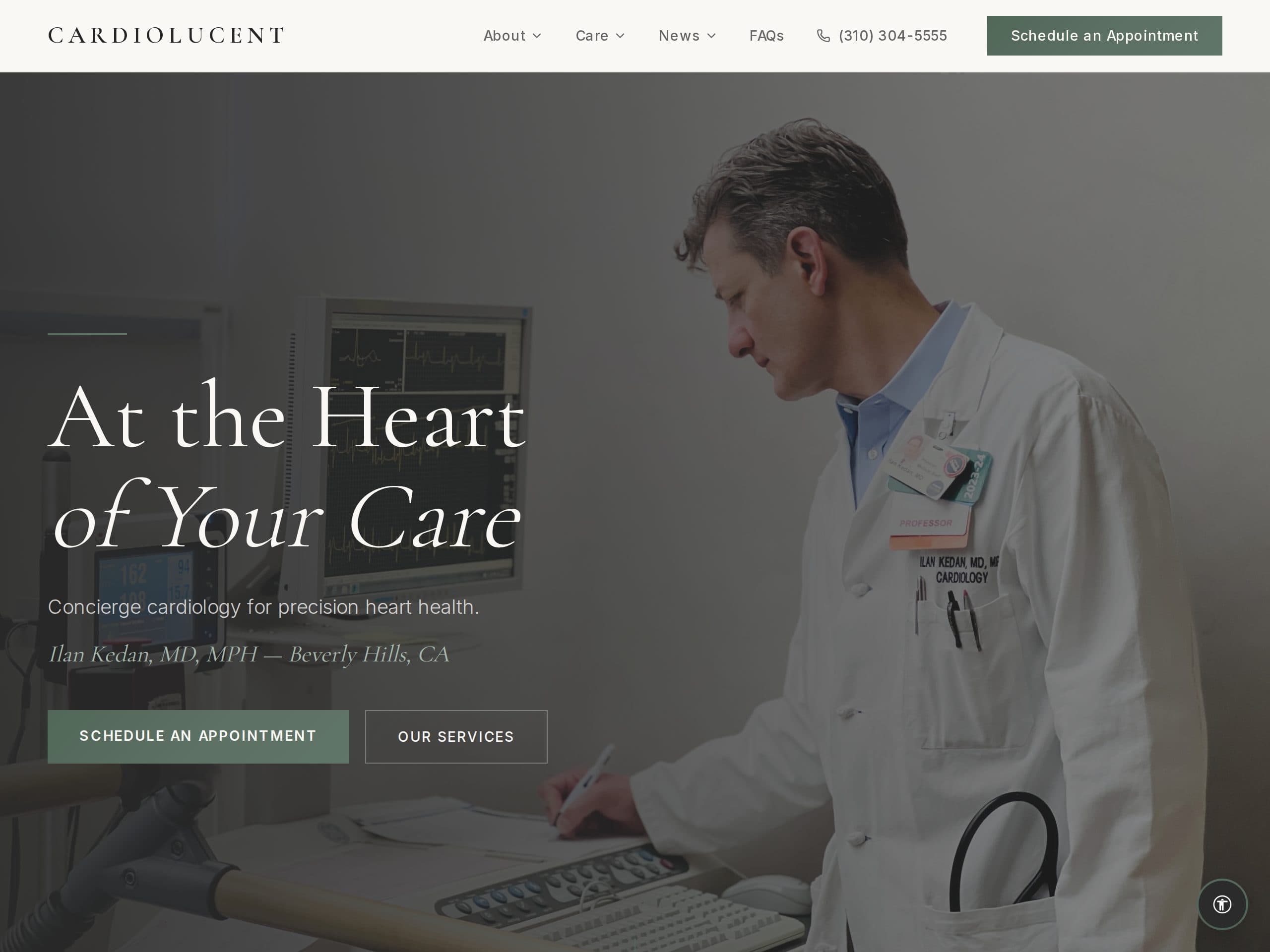
Screenshot of the Cardiolucent homepage — a concierge cardiology practice in Beverly Hills

Case Study · Concierge Cardiology

Cardiolucent

Visit

Proof that even a beautifully built site can hide barriers no human eye would catch — and proof of how fast a proactive practice can close them. Cardiolucent ran our free audit, got a clear picture in minutes, and had every finding resolved at the code level within a day.

  • Free audit surfaced 242 invisible-to-the-eye barriers across 12 pages
  • Root cause traced to a handful of shared design tokens — no redesign needed
  • Fixes shipped sitewide within 24 hours
  • Re-audit: grade A — zero automated-scan violations
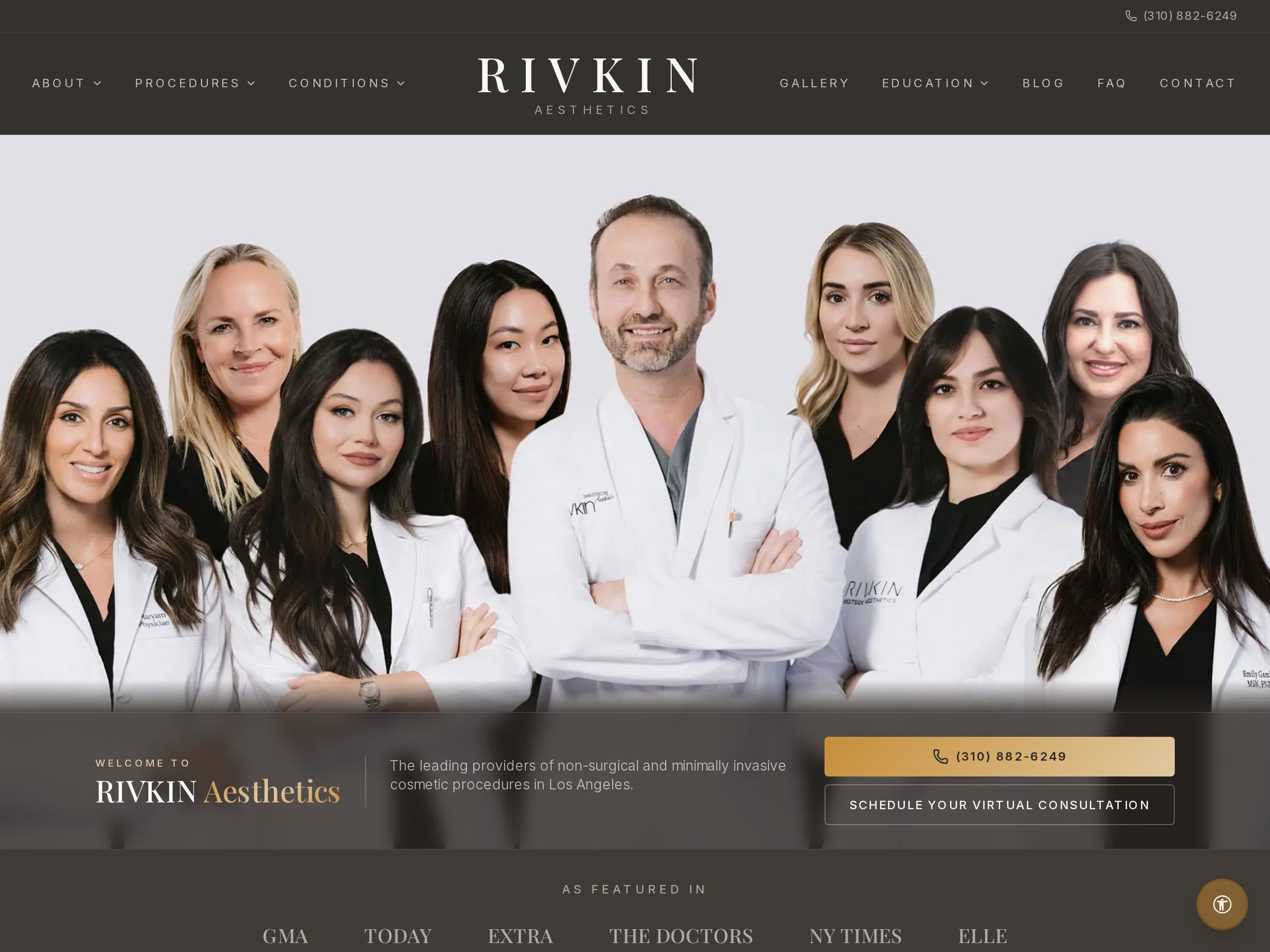
Screenshot of the Rivkin Aesthetics homepage — a Beverly Hills medical aesthetics practice

Case Study · Medical Aesthetics

Rivkin Aesthetics

Visit

An elegant, image-forward practice site whose refined palette concealed something no visitor would consciously notice: text contrast sitting just below the ratio WCAG asks for. One audit, one root cause, one same-day fix — and a perfect re-scan. Exactly how it should go.

  • Free audit surfaced 323 subtle contrast findings across 12 pages
  • Single root cause: two brand color tokens a shade too light
  • Corrected at the token level — every page fixed at once, same day
  • Re-audit: grade A — zero automated-scan violations
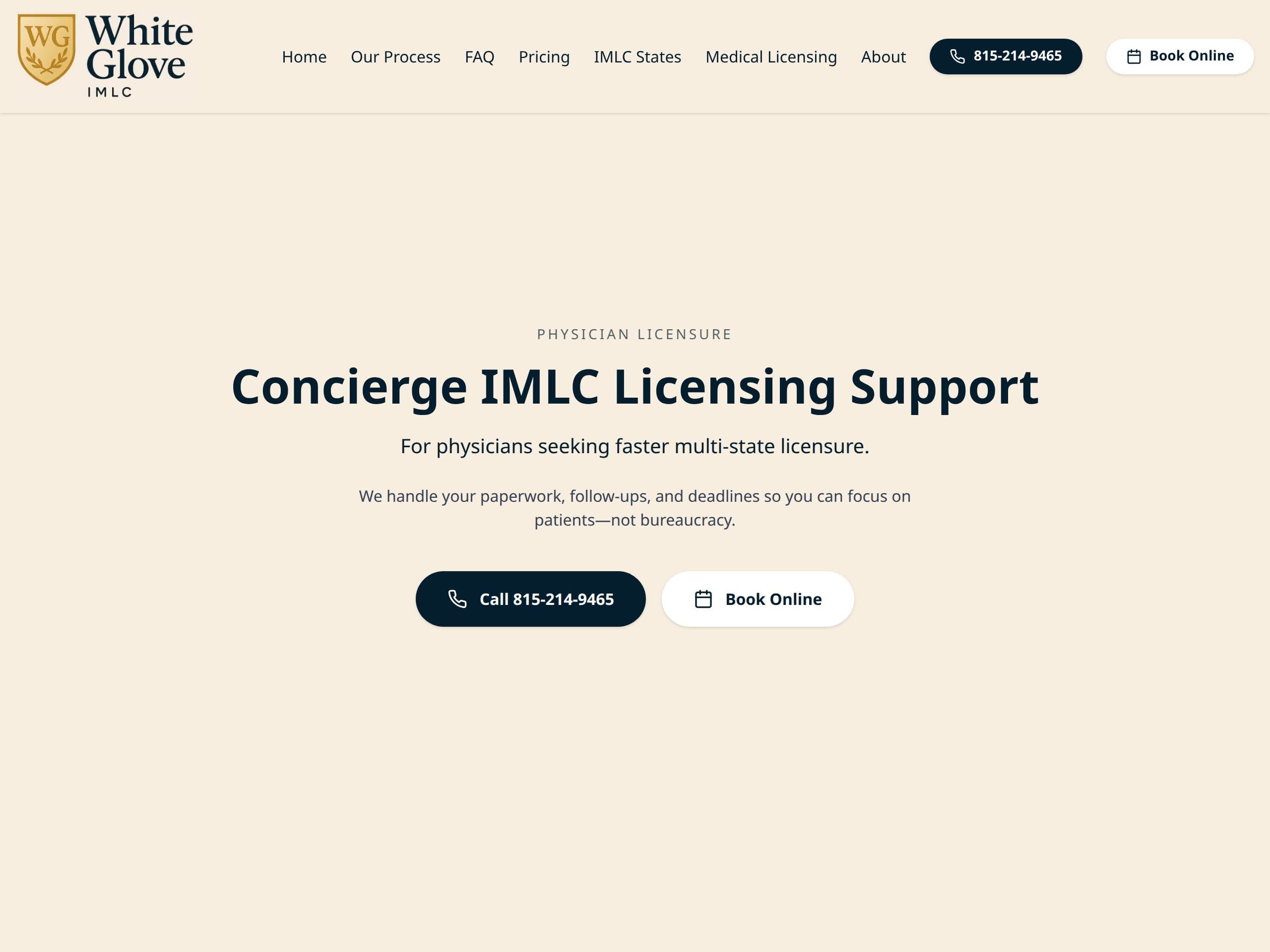
Screenshot of the White Glove IMLC homepage — a physician multi-state licensing service

Case Study · Physician Licensing

White Glove IMLC

Visit

A clean, professional licensing service already doing most things right — our audit confirmed the structure, forms, and navigation were solid, and pinpointed one refinement no eye would catch: a shared text color sitting just under the WCAG contrast ratio. It was corrected the next day.

  • Free audit: 36 findings across 12 pages — all one issue type
  • Single root cause: one shared text color a touch too light
  • Everything else passed — forms, structure, and navigation came back clean
  • Fixed at the token level within 24 hours — grade A on re-audit
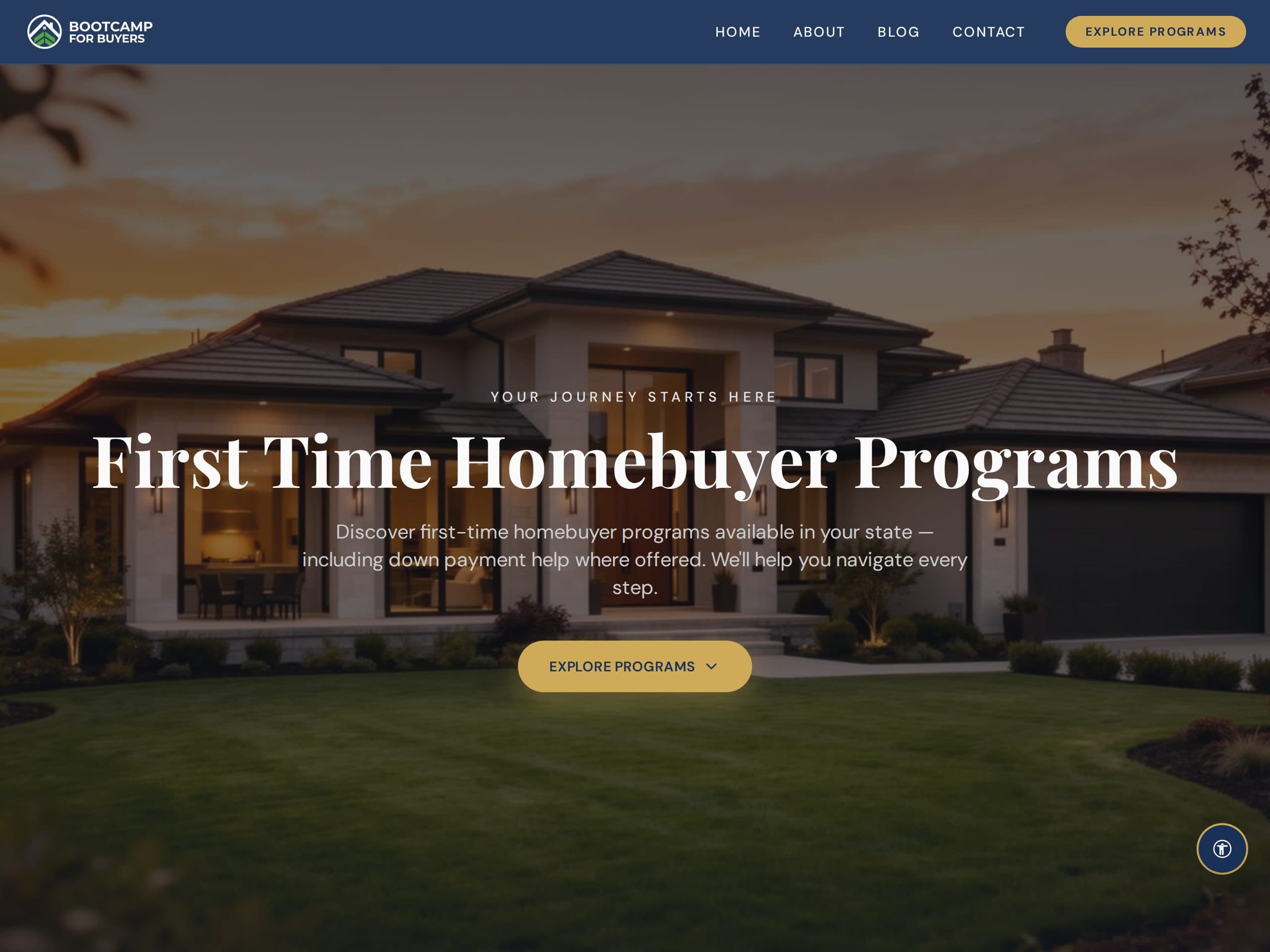
Screenshot of the Bootcamp For Buyers homepage — a homebuyer education program

Case Study · Real Estate Education

Bootcamp For Buyers

Visit

A vibrant education brand whose bold palette hid a single invisible pattern repeated across every page: text contrast just shy of the WCAG ratio. Because the whole site inherits a handful of shared color tokens, one root-cause fix corrected all 247 findings at once — within 24 hours of the audit.

  • Free audit surfaced 247 contrast findings across 12 pages
  • One repeated pattern — not 247 separate problems
  • Token-level color fix, no redesign — every page corrected at once
  • Fixed within 24 hours — grade A on re-audit
100% Free — No Obligation

Get your free accessibility audit

Find out where your website falls short of WCAG 2.2 compliance before a lawsuit finds out for you.

Consent

No credit card required. Your report arrives by email within 15 minutes.

Disclaimer

The information on this site is provided for general educational purposes and does not constitute legal advice. WCAG and ADA conformance depend on your specific website, content, and jurisdiction, and no audit or service can guarantee immunity from litigation. Reading this site does not create an attorney–client or consultant relationship. For advice about your legal obligations, consult a qualified attorney. Request a free audit.